OFFICIAL UPDATEWhat the developer says changed
See official changes ↓Verified patch notes, affected platforms and developer-listed issues.
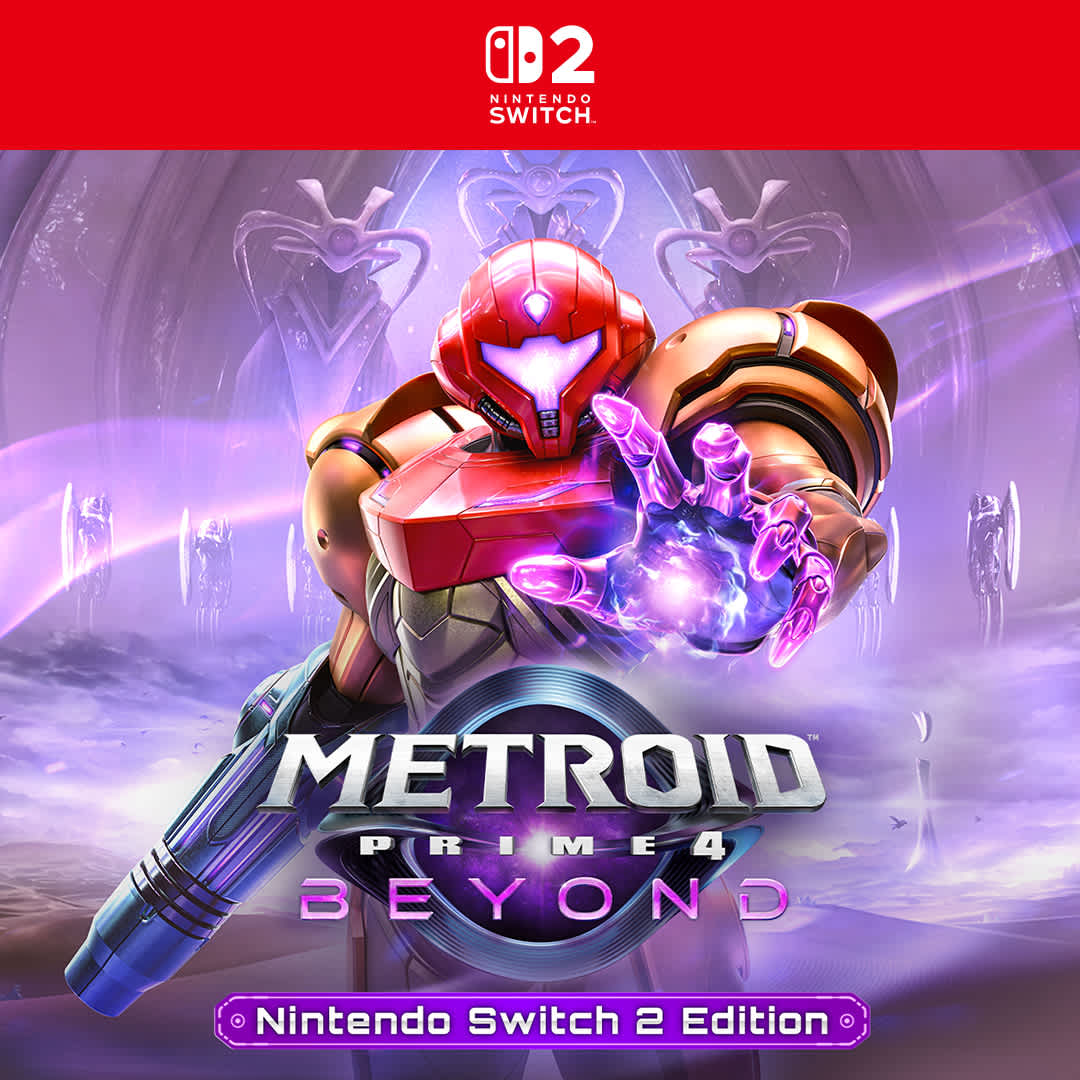
Dec 3, 2025 · Nintendo Support update tracked by Buffs & Bugs
Follow to track new patches, community verdicts and issue signals for your platform.
Verified patch notes, affected platforms and developer-listed issues.
Community verdicts, issue signals and reports from this exact patch.
Filter the official impact and player reports to the system you actually play on.
0 reports so far. Buffs & Bugs needs 5 more before showing a community verdict.
Grouped from recent player report text. These are community signals, not confirmed developer issues.
Pulled from the official patch source. Platform-specific evidence appears only when that platform is explicitly named in the notes.
Switch has specific information in the official patch notes.
Official note“Skip Navigation My Support Dashboard Accounts & Purchases Nintendo Switch 2 Nintendo Switch Nintendo Switch Online Apps & Other Products Service Center How to Update Metroid Prime 4: Beyond Nintendo Switch 2,…”
Official note“The update will download and install automatically if the console is connected to the Internet and the Software Auto-Updates setting is enabled on your Nintendo Switch 2 or Nintendo Switch console.”
Switch 2 has specific information in the official patch notes.
Official note“Skip Navigation My Support Dashboard Accounts & Purchases Nintendo Switch 2 Nintendo Switch Nintendo Switch Online Apps & Other Products Service Center How to Update Metroid Prime 4: Beyond Nintendo Switch 2,…”
Official note“The update will download and install automatically if the console is connected to the Internet and the Software Auto-Updates setting is enabled on your Nintendo Switch 2 or Nintendo Switch console.”
When the Nintendo Switch version of the game is launched on Nintendo Switch 2, the text “Switch 2 Edition” will now be displayed on the menu after the title screen. Selecting this will take the user to the upgrade pack page on Nintendo eShop.
When the Nintendo Switch version of the game is launched on Nintendo Switch 2, the text “Switch 2 Edition” will now be displayed on the menu after the title screen. Selecting this will take the user to the upgrade pack page on Nintendo eShop.
The ratings information for ClassInd (Brazil) has changed from 12 to 14.
The conditions to unlock some cinematics in the Gallery have changed from “Acquire 100% of all inventory items” to “Beat the game on any difficulty”.
The difficulty for some enemies has been adjusted in Hard mode.
Check Service Request Status
How to Purchase or Extend a Nintendo Switch Online Membership
Current Service Request Turnaround
Forgot Nintendo Account Sign-in Info
Nintendo Account FAQ
Top articles Check Service Request Status
How to Purchase or Extend a Nintendo Switch Online Membership
Current Service Request Turnaround
Forgot Nintendo Account Sign-in Info
Nintendo Account FAQ
About Nintendo Careers
Shop Games
Hardware
Merchandise
Sales and deals
Exclusives
Nintendo Switch Online
Nintendo retail locations
Orders Order details
Shipping info
Refunds and returns
0 questions · 0 replies