
OFFICIAL UPDATEWhat the developer says changed
See official changes ↓Verified patch notes, affected platforms and developer-listed issues.
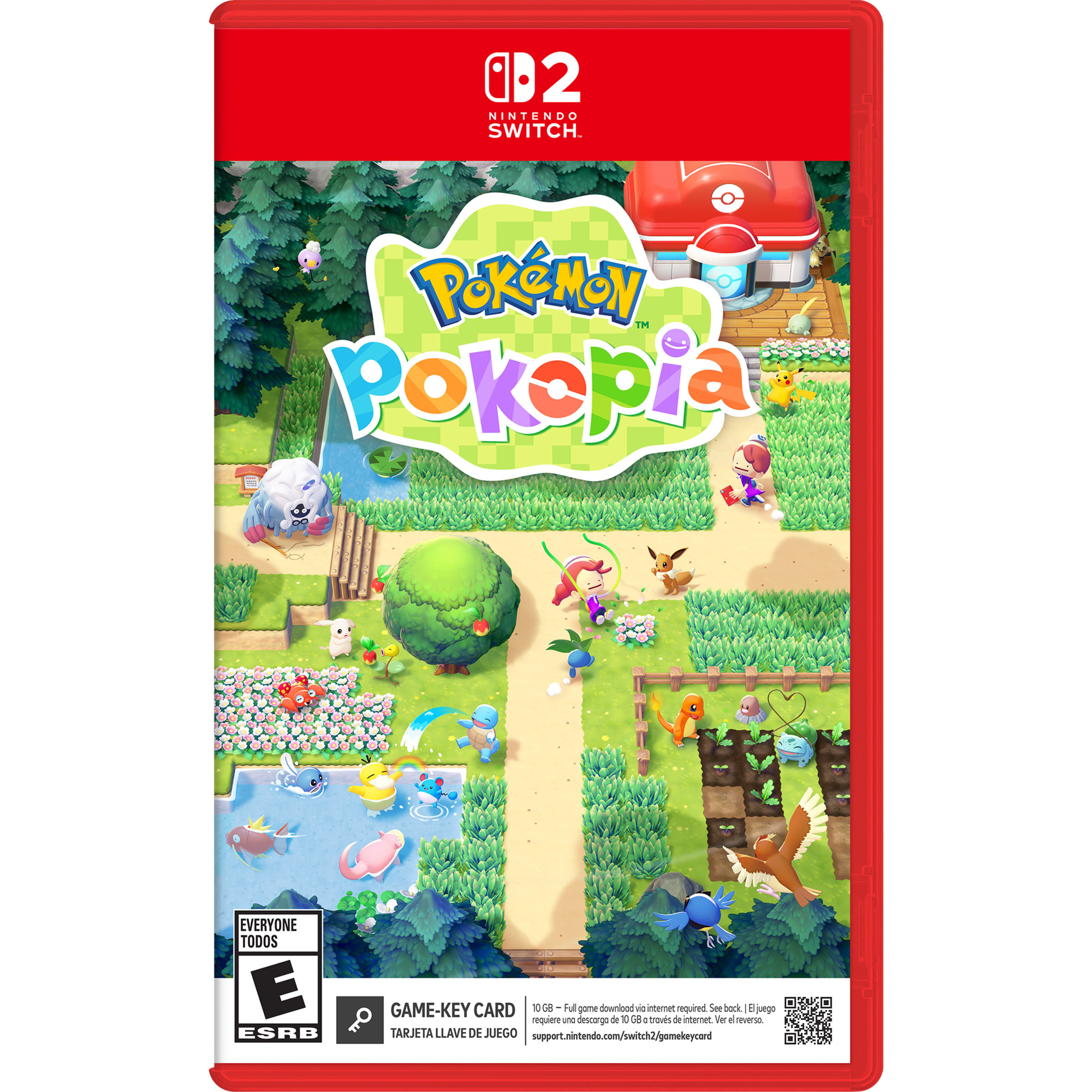
Jun 9, 2026 · Nintendo Support update tracked by Buffs & Bugs
Follow to track new patches, community verdicts and issue signals for your platform.
Verified patch notes, affected platforms and developer-listed issues.
Community verdicts, issue signals and reports from this exact patch.
Filter the official impact and player reports to the system you actually play on.
0 reports so far. Buffs & Bugs needs 5 more before showing a community verdict.
Grouped from recent player report text. These are community signals, not confirmed developer issues.
Pulled from the official patch source. Platform-specific evidence appears only when that platform is explicitly named in the notes.
Switch 2 has specific information in the official patch notes.
Official note“Skip Navigation My Support Dashboard Accounts & Purchases Nintendo Switch 2 Nintendo Switch Nintendo Switch Online Apps & Other Products Service Center How to Update Pokémon Pokopia Nintendo Switch 2 Follow these…”
Official note“The update will download and install automatically if the console is connected to the Internet and the Software Auto-Updates setting is enabled on your Nintendo Switch 2 console.”
The following improvements have been implemented:
The following improvements have been implemented:
Added new conversation variations between Pokémon.
” speech bubble.
” speech bubble.
When using chairs or beds, Pokémon accompanying Ditto will now use them together, if possible.
Vaporeon, Jolteon, Flareon, Espeon, Umbreon, Glaceon, and Sylveon will now sleep at the edge of sofas, similar to Leafeon.
When placing objects, Pokémon accompanying Ditto will now avoid the placement preview area.
When moving Pokémon into a two-story house, you can now select the destination floor even while indoors.
When Pokémon process materials at the community box or furnace, they will prioritize locations closer to their own habitat.
While Ditto is falling after its transformation wears off, pressing the Run or Jump buttons will return Ditto to its human transformation and allow various controls.
The placement limit for items that use electricity has been increased from 512 to 1,024. )
When placing the laser sensor item, the sensor’s detection range will now be displayed.
In the Environment Level details screen, you can now see which Pokémon’s comfort level requests you fulfilled that day.
In the Items section of the Collection menu, pressing the X Button will let you view color variations of flowers and hedges.
”
When saving game settings in the main menu, it is now clearer that a save is in progress.
You can now adjust game settings in the main menu while auto-saving is in progress.
Adjusted the dialogue in the requ
0 questions · 0 replies